Start Driving, Start Tracking
Automatic GPS drive tracking for learner permits
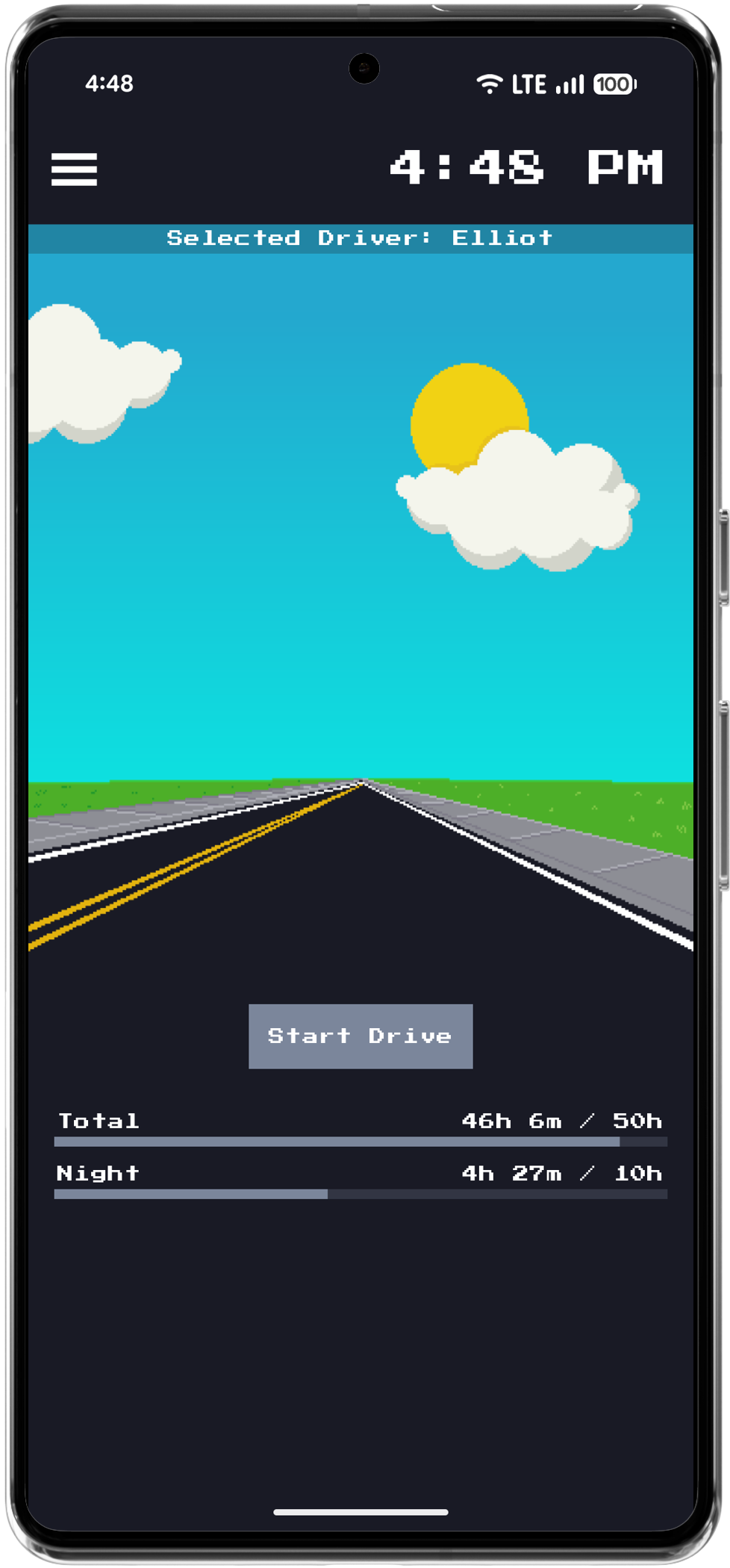
Tap Start and Horizon automatically records time, distance, and duration. Visual progress bars show total and night driving hours toward your state's requirements — so you always know what's left before the DMV visit.
Every Drive, Neatly Logged
DMV-ready practice driving log
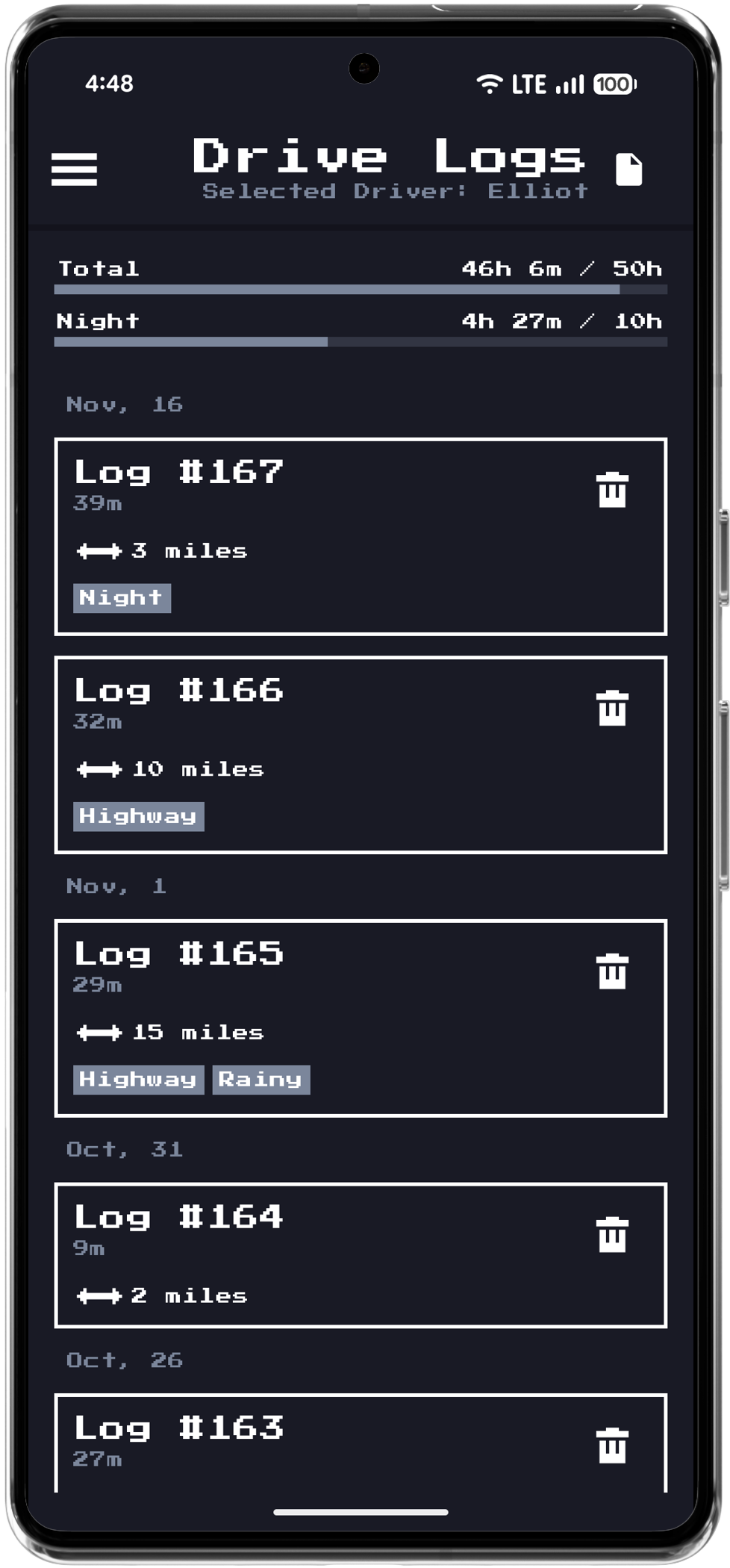
Browse all your practice sessions organized by date. Each log captures duration, distance, and conditions like night driving, highway, or rainy weather. Create printable or shareable logs ready for the DMV.
See Every Route You've Taken
Mapped routes with speed and distance stats
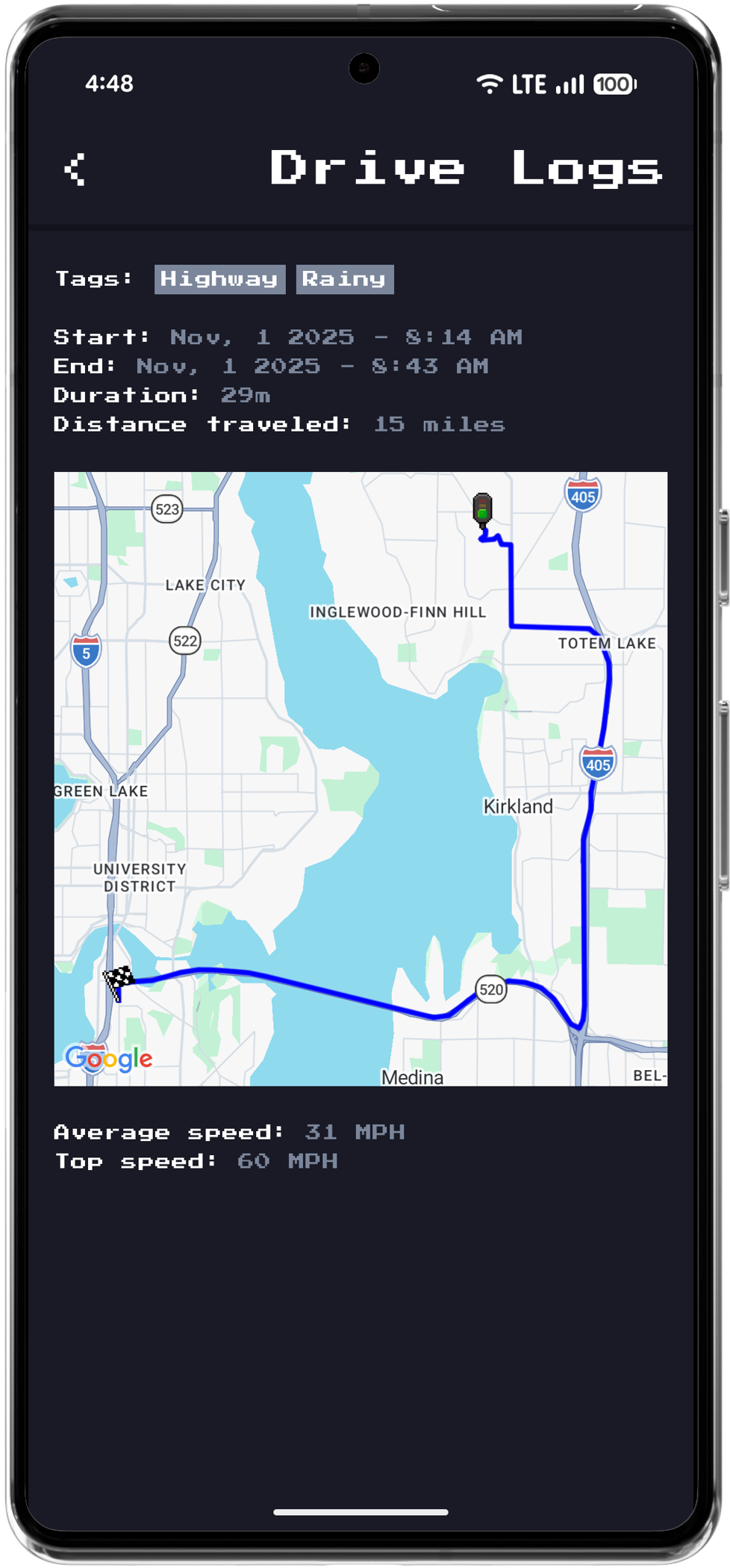
Horizon maps the exact route of each practice session. Review start and end times, distance traveled, average speed, and tagged conditions — building a complete picture of real-world driving experience.
Forgot to Record? No Problem.
Manual drive entry with condition tags
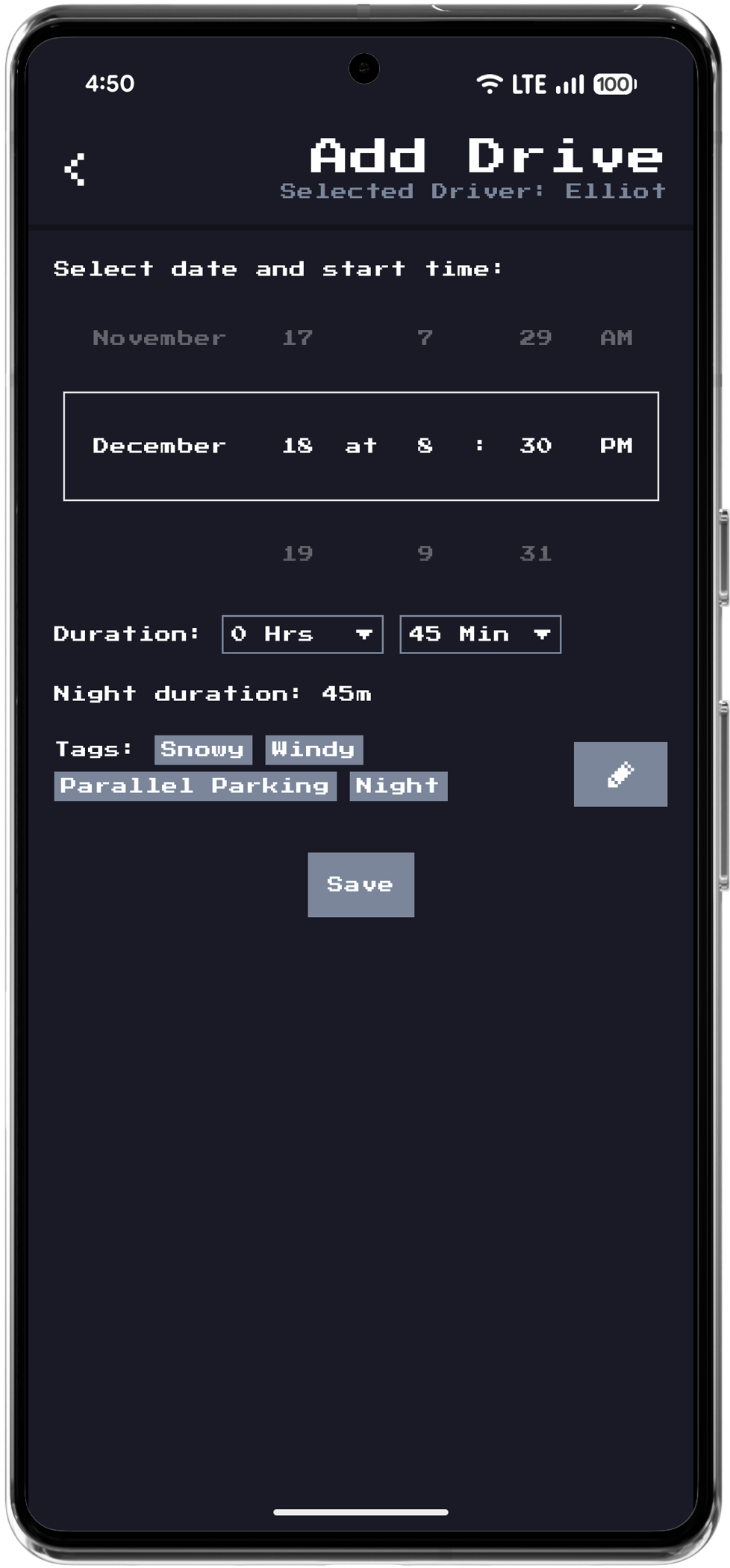
Add drives manually anytime. Pick the date, set the duration, and tag conditions like snow, wind, night, or parallel parking. Every session counts toward your permit requirements.